---
title: The Klex Bot data directory
description: Where a Klex Bot stores chats and memory, and how to locate a self-hosted Bot’s data.
related:
- /bot/concepts/memory
- /cloud/hosted-vs-local
- /cloud/data-privacy
---
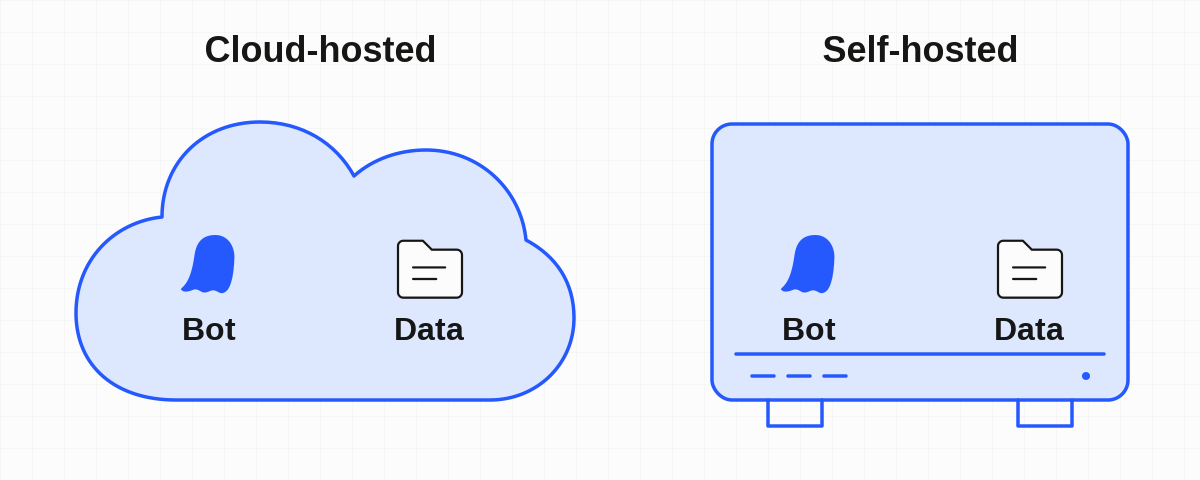
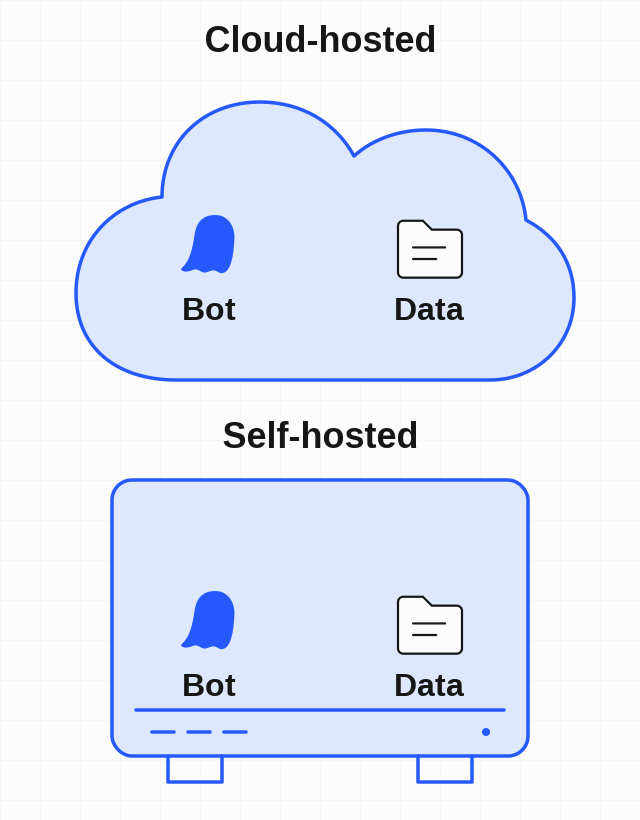
Each Klex Bot stores its chats and memory in its data directory. For a Cloud-hosted Bot, the directory is in the hosted environment. For a self-hosted Bot, it is in the local folder used to store the Bot’s data.
Admins can review chats and skills through the Bot’s Admin API. The Klex Cloud dashboard acts as a reverse proxy and frontend to each Bot’s own Admin API.
## Find and protect Bot data
**Cloud-hosted**
Open the Bot in Klex Cloud to review its activity. Its data directory is in the hosted environment. See [Data privacy](/cloud/data-privacy) for how Cloud-hosted data is protected.
**Self-hosted**
In the self-hosted Klex app, interactive startup discovers Bots under `~/.klex/agents` by default. If `KLEX_HOME` is set, it uses the `agents` folder under that location instead. An explicit `--data-dir` selects a directory directly and takes precedence over `KLEX_DATA_DIR`.
For example, to open a Bot whose data directory is already known:
```sh
klex --data-dir /path/to/bot
```
Replace the example path with the Bot’s actual directory. See the [standalone setup guide](/bot/guides/standalone-setup) to create a Bot without Cloud or run it headlessly.
### Protect a local directory
The directory can contain sensitive information, including configuration and credentials. Restrict access using your operating system’s permissions, and protect any copies you make. Klex requests owner-only permissions when creating the directory on systems that support Unix modes; it does not change permissions on an existing directory. Windows uses access control lists instead.
Check your backup and recovery procedures before deleting or moving data.